Inviting Teamates
Clik workspaces allow you to collaborate with team members, share projects, and work together on video edits. Whether you're part of a content team, agency, or creative studio, inviting teammates gives everyone access to the same projects and assets.
Understanding Workspaces
Every Clik account includes a workspace (also called an organization). All projects you create are stored within your workspace, and anyone you invite to your workspace can access these projects.
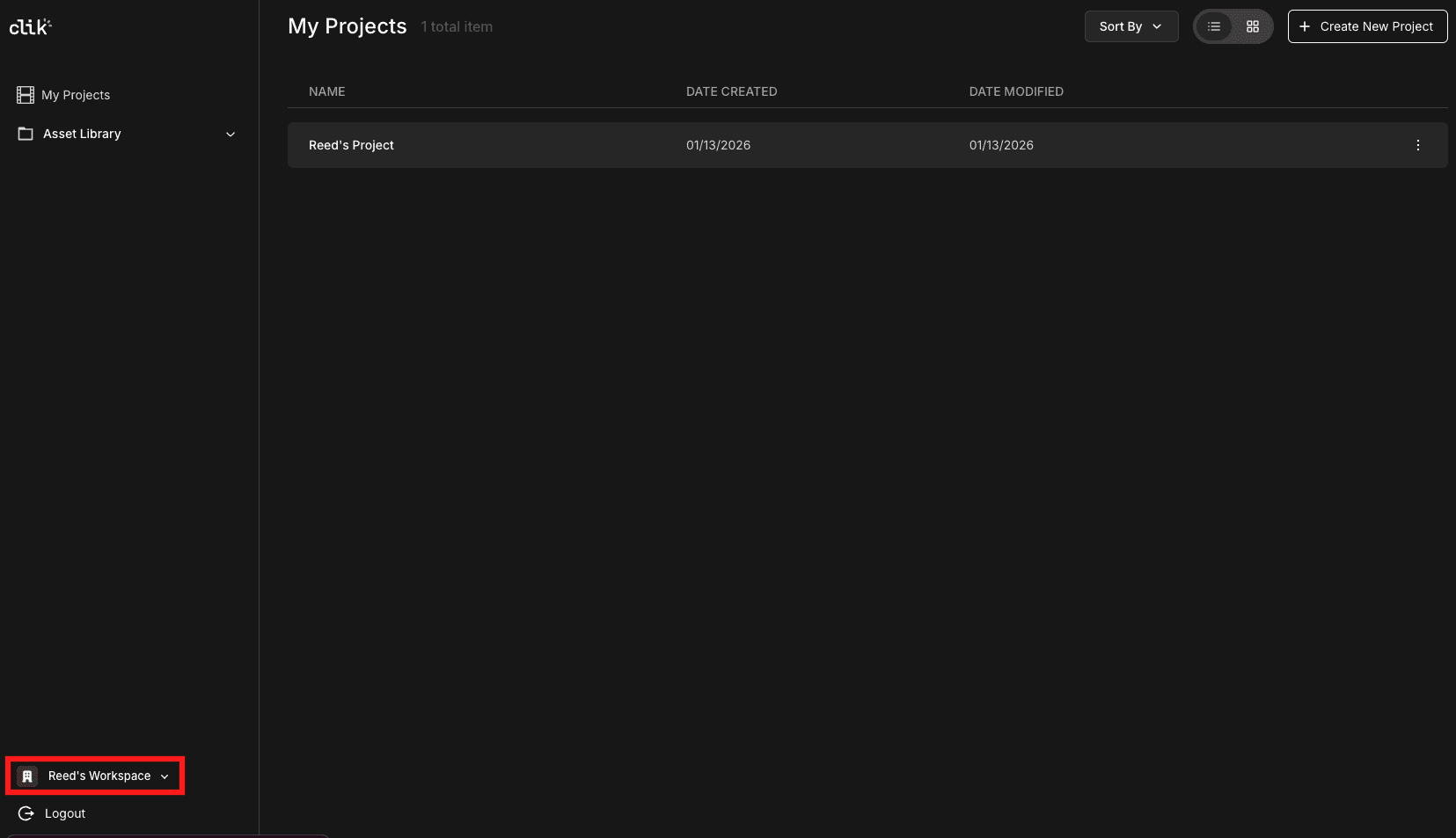
You can see your current workspace name in the bottom left corner of the Clik interface. Click on it to access workspace settings.
How to Invite Team Members
To invite teammates to your workspace:
Click on your workspace name in the bottom left corner
Click the "Manage" button that appears
Select the "Members" tab in the Organization settings
Click the "Invite" button in the top right
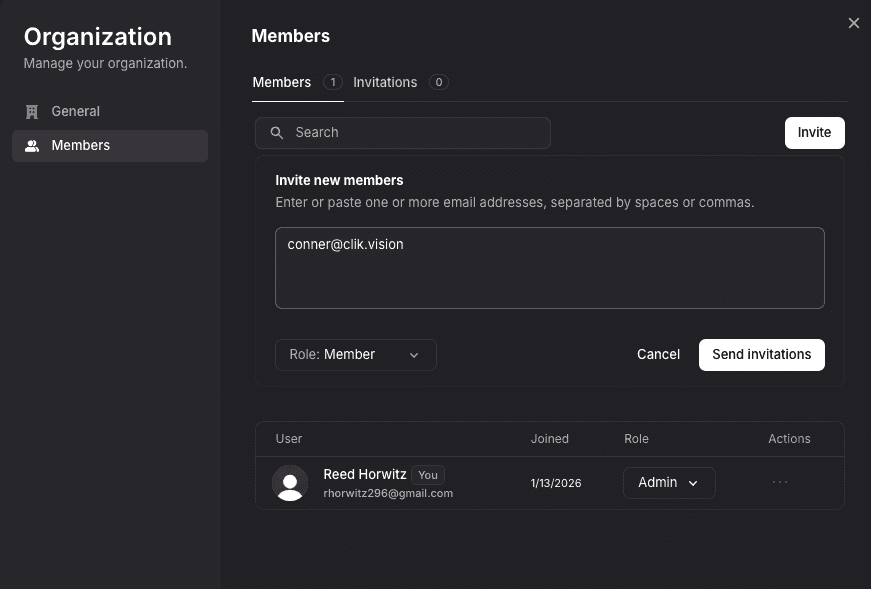
You'll be prompted to enter your teammate's email address. They'll receive an invitation to join your workspace and can accept it by creating a Clik account or signing in with their existing account.
Managing Members
In the Members panel, you can see everyone who has access to your workspace. Each member shows:
Their name and email
When they joined
Their role (Admin or Member)
Options to manage their access
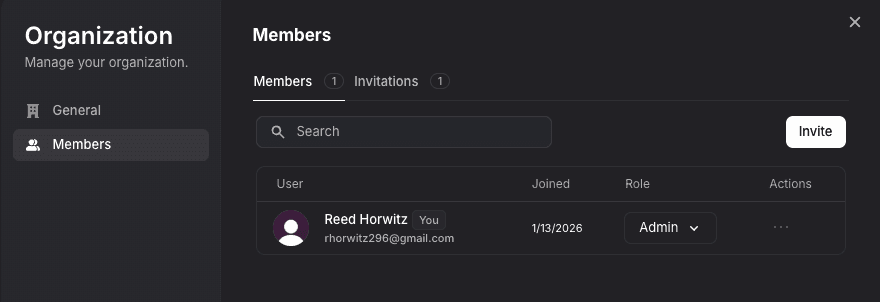
Admins have full control over the workspace, including inviting members and managing settings. Members can access and edit projects but have limited administrative permissions.
Organization Settings
The Organization settings also let you:
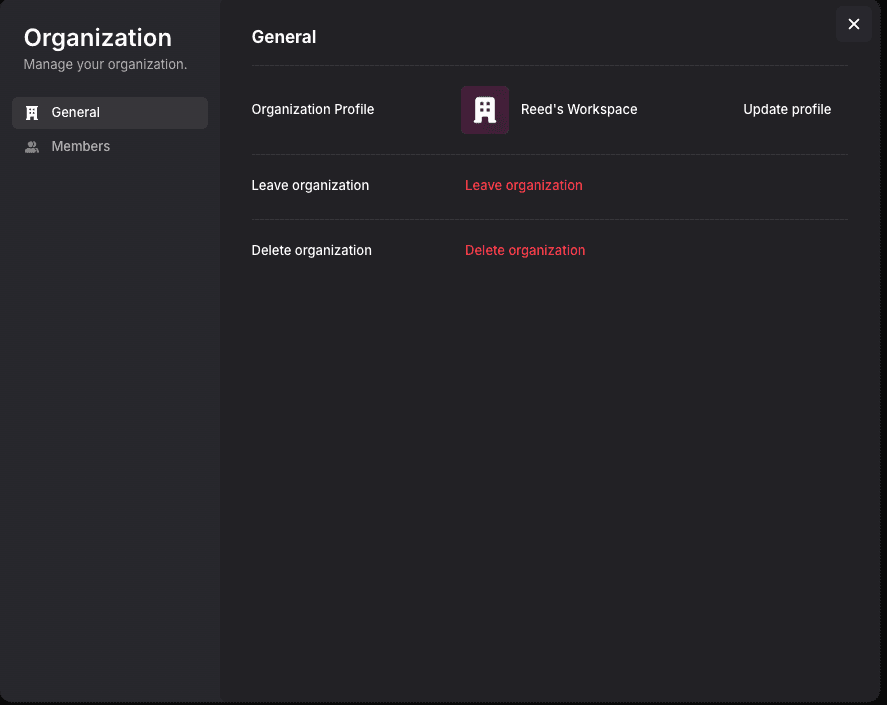
Update your workspace name and profile
Manage general workspace settings
View pending invitations
Control who has access to your projects
Collaboration Benefits
When teammates join your workspace, they can:
View and edit all projects in the workspace
Upload footage to shared projects
Access the full asset library
Use Clik's AI editing features on shared content
Export videos from any project
This makes it easy to divide work across a team, have editors refine each other's cuts, or let clients review progress without sharing files back and forth.