Clik vs Descript: Which AI Video Editor Is Right for Creators?
Descript is great if your content lives and dies by spoken word. But if you're a visual creator — cooking, travel, vlogs, events — you need something built for footage, not transcripts.
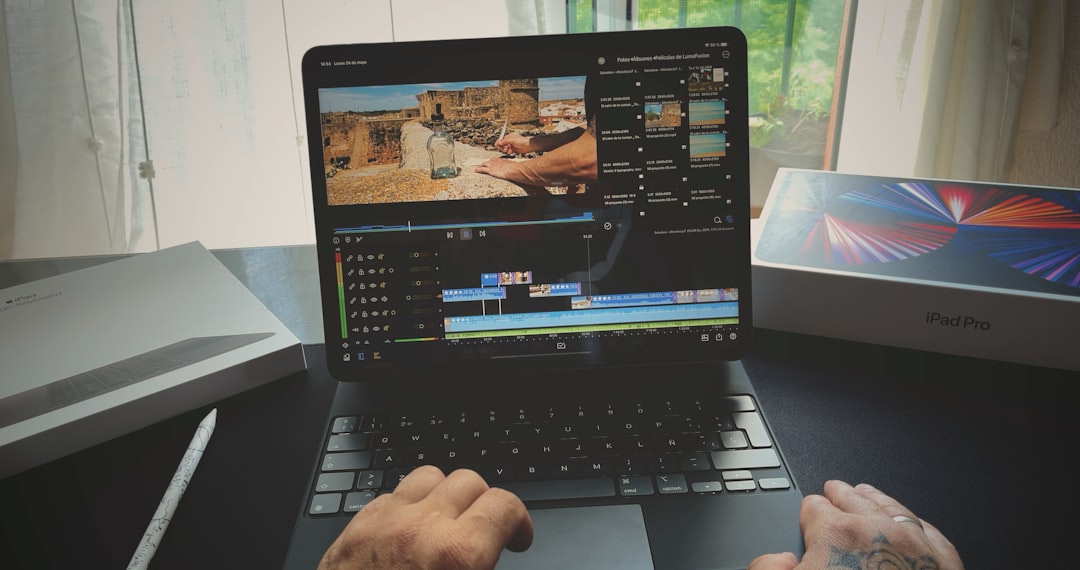
Clik vs Descript: Which AI Video Editor Is Right for Creators?
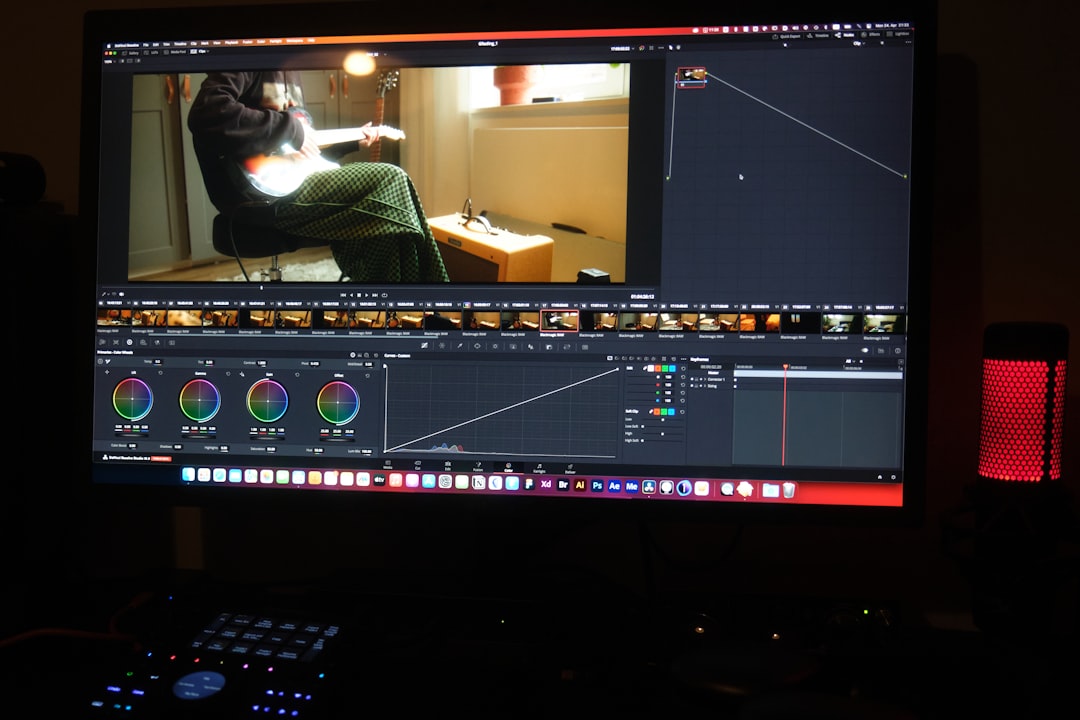
If you’ve been searching for an AI video editing tool, you’ve probably come across both Descript and Clik. They’re both designed to help creators go from raw footage to finished content faster. But they’re built on completely different philosophies — and choosing the wrong one means fighting your tool instead of using it.
Here’s the honest breakdown.
What Descript Does Well
Descript is a transcript-first editor. You upload your video, it generates a text transcript, and you edit the video by editing the text — cut words, and the corresponding video is cut. It’s genuinely clever, and for a specific type of content creator, it’s close to magical.
If you produce:
- Podcasts or podcast-style video
- Talking-head YouTube videos
- Interview content
- Webinar recordings
- Tutorial voiceovers
…Descript is worth serious consideration. The transcript editing workflow removes a lot of friction for dialogue-heavy content, and its AI tools for removing filler words, cleaning up audio, and generating captions are solid.
Where Descript Falls Short
The problem with transcript-first editing is that it only works when dialogue is the primary driver of your content.
What about the wide shot of a trail at golden hour? The close-up of a dish being plated? The candid crowd moment at a conference? The B-roll that makes a travel vlog feel like travel?
Descript has no good answer for visual-first content. If your footage doesn’t have clean spoken audio — or if the best moments in your video are visual rather than verbal — Descript’s core workflow doesn’t help you. You’re left doing traditional timeline editing, which defeats the purpose of using an AI tool in the first place.
This is the wall that cooking creators, travel vloggers, event videographers, and lifestyle creators hit when they try Descript: it was simply not built for their content.
What Clik Does Differently
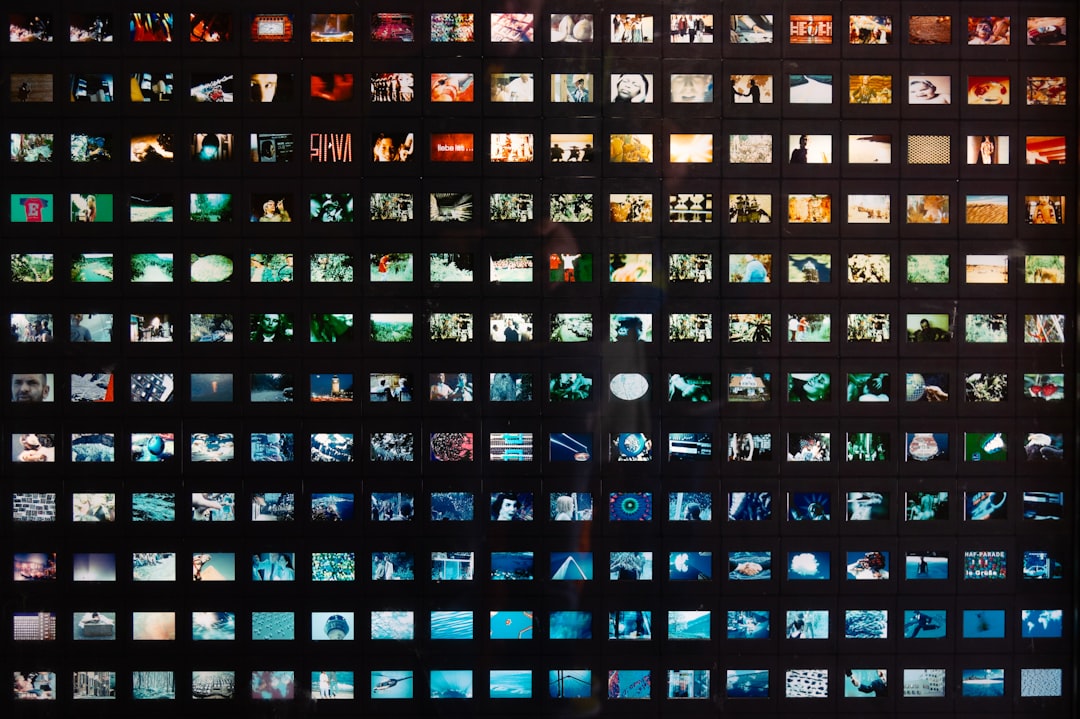
Clik starts from footage, not transcripts. Its AI agent analyzes your raw clips visually — understanding composition, motion, energy, and context — and builds you an initial timeline draft from your best visual moments.
This means it works for content where the picture tells the story:
- Cooking videos — plating sequences, ingredient close-ups, cooking action
- Travel and lifestyle vlogs — landscapes, candid moments, movement and texture
- Event recaps — crowd energy, venue details, speaker moments
- “Get Away With Me” content — the visual experience of a destination
- Short-form content for TikTok, Reels, and Shorts
Clik still handles dialogue — it can work with voiceover and spoken content — but it doesn’t require dialogue to build a coherent edit. Visual context is enough.
Head-to-Head Comparison
| Clik | Descript | |
|---|---|---|
| Core approach | AI analyzes visuals and dialogue | Transcript-first editing |
| Best for | Cooking, travel, vlogs, events | Podcasts, interviews, tutorials |
| Works without dialogue | Yes | Limited |
| B-roll handling | Strong — built for it | Weak — transcript dependent |
| Initial draft generation | Yes, from raw footage | Yes, from transcript |
| Short-form output | TikTok, Reels, Shorts | Yes, with some limitations |
| Audio editing | Basic | Strong (filler removal, cleanup) |
| Learning curve | Low | Low to medium |
The Real Question: What Kind of Creator Are You?

Choose Descript if:
- Your content is only dialogue-driven
- You edit long-form dialogue-focused content
- You want to edit video the way you’d edit a document
Choose Clik if:
- You shoot B-roll-heavy content — cooking, travel, events, lifestyle
- Your best moments are visual, not verbal
- You want to go from raw footage to a first draft without manually scrubbing clips
- You’re a solo creator or small team that needs to move fast
- You create short-form content for TikTok, Reels, or Shorts
Bottom Line
Descript pioneered a genuinely new way to edit dialogue-heavy video, and it’s excellent at what it does. But the creator economy isn’t only podcasters and talking-head YouTubers. Cooking creators, travel vloggers, event marketers, and lifestyle creators make up a huge share of short-form content — and they’ve been underserved by tools that only understand words.
Clik is built for the visual side of that equation. If you shoot footage first and figure out the words later, it’s the tool that actually fits your workflow.